studio kit.
Wedding Studio Kit

Templates from a studio that books over $200,000 a year.

The price guide, emails and contract we actually use at D'Argent Weddings, made generic so you can open them in Canva tonight and make them yours, plus the Claude skill that rough cuts our films. Buy one piece or the lot.

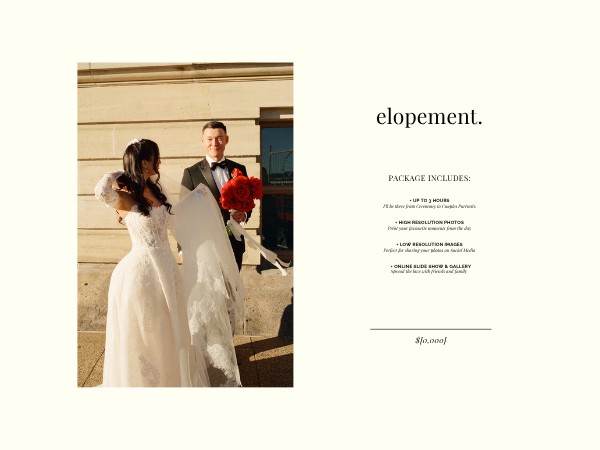
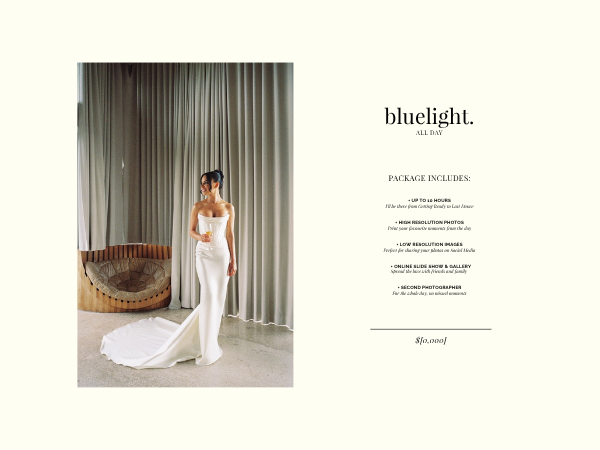
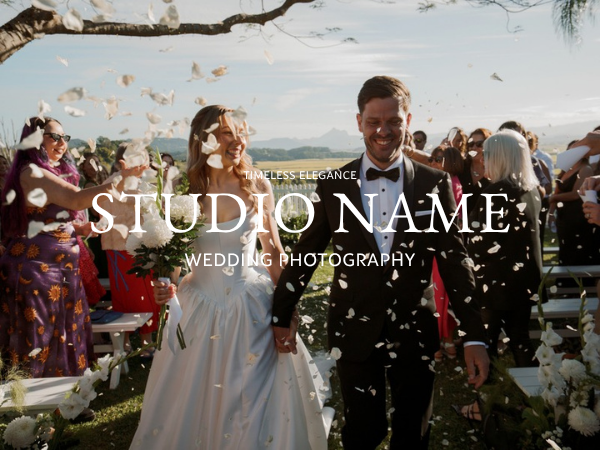
Price guide elopement package page Price guide package page with a photo on the left and inclusions on the right Price guide cover, Studio Name over a photo of a couple walking through confetti
Built from the working files of D'Argent Weddings
  • $200,000+ booked a year from this price guide
  • 5.0 on Google from 49 reviews
  • Featured in the Courier Mail, Hello May and Lensel
  • Opens in Canva, nothing to install
Buy one or buy them all

the products.

Price guide cover page
I

Price Guide Template

The 25-page guide couples receive the minute they enquire.

A 25-page Canva template, every word written, your photos and prices drop in, a step-by-step how-to.

$79
See it Buy
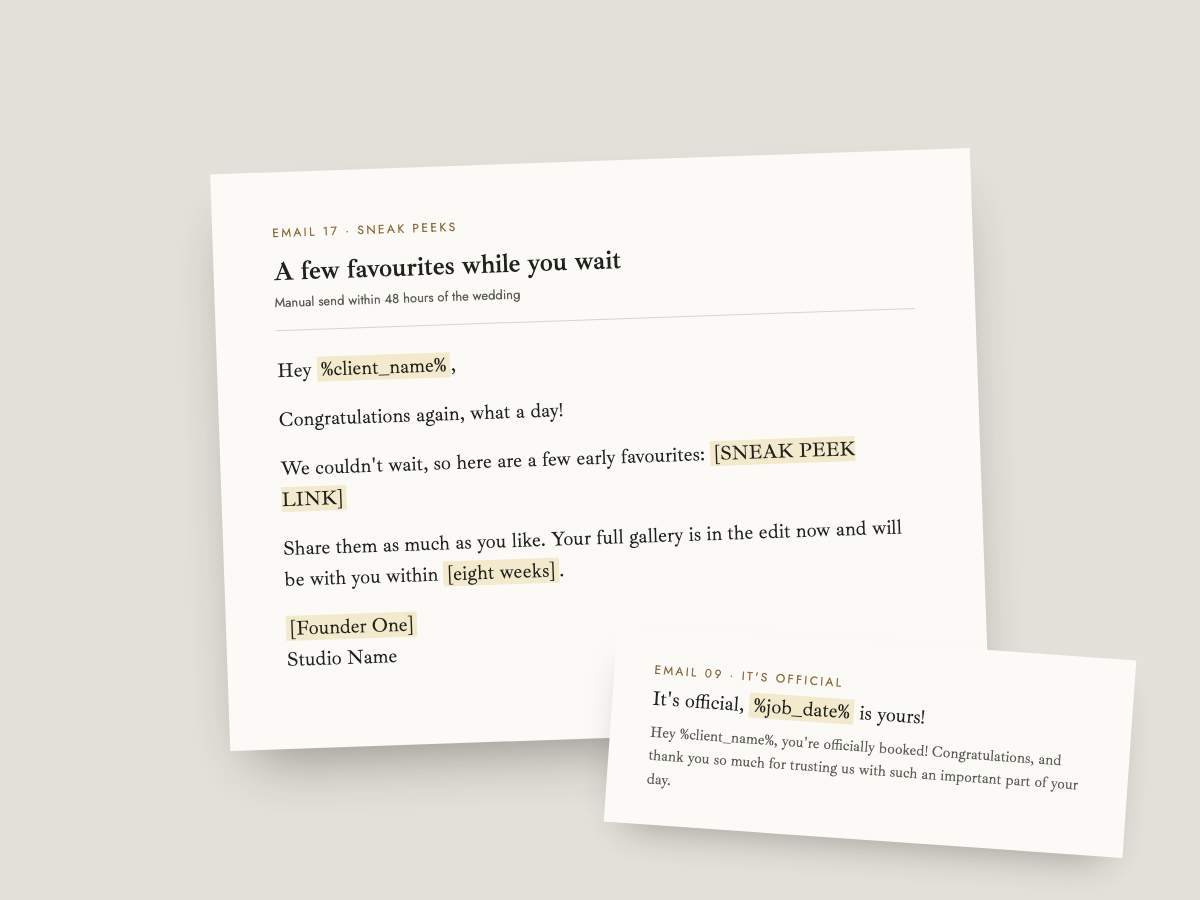
Two typeset client emails from the templates, date available and sneak peeks
II

Client Email Templates

Every email a couple receives, already written.

30 emails from first enquiry to first anniversary, system emails and a bank of replies, a Studio Ninja workflow guide, a 51-question questionnaire.

$59
See it Buy
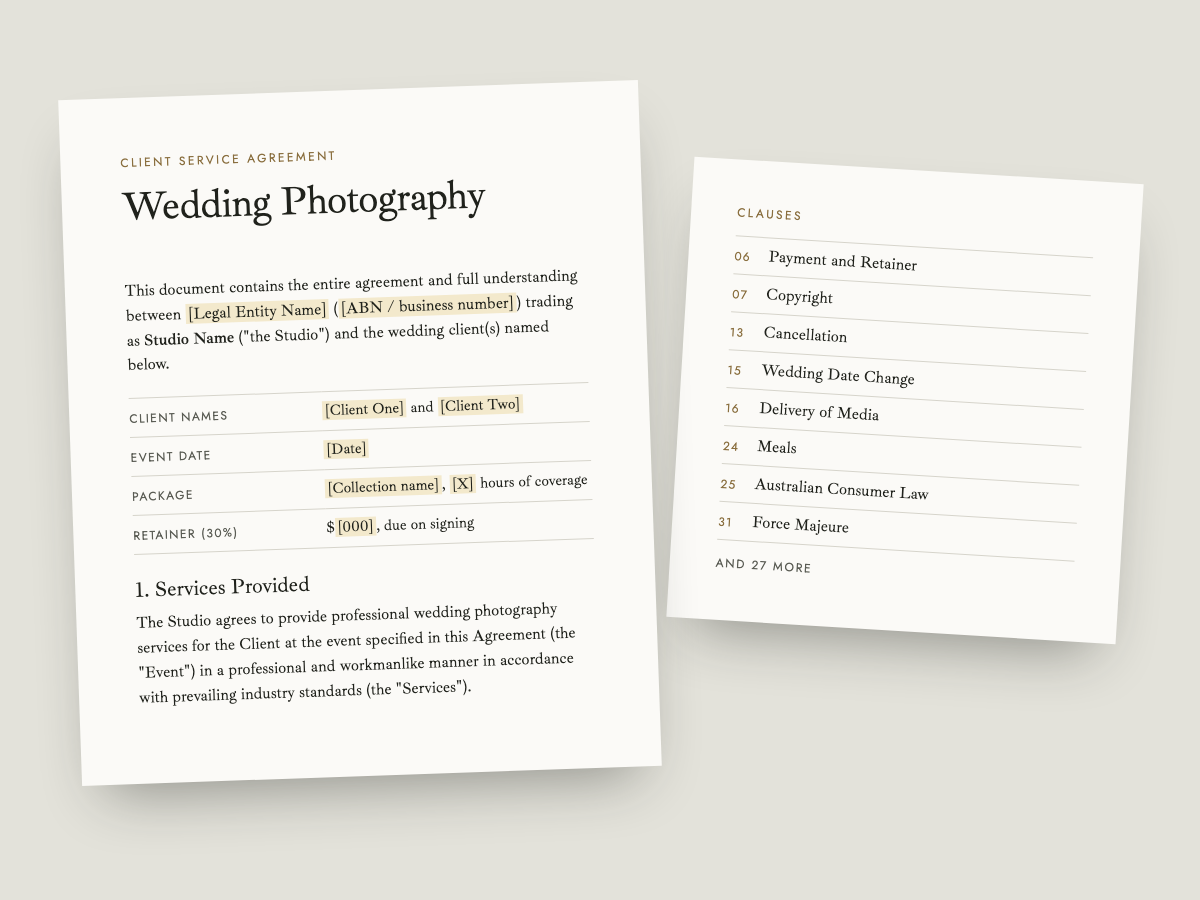
The first page of the Client Service Agreement and a list of its clauses
III

Client Contract

The agreement every couple signs.

A Client Service Agreement in 35 clauses, written for Australia, ready for your lawyer, one-click copy into your booking system.

$69
See it Buy
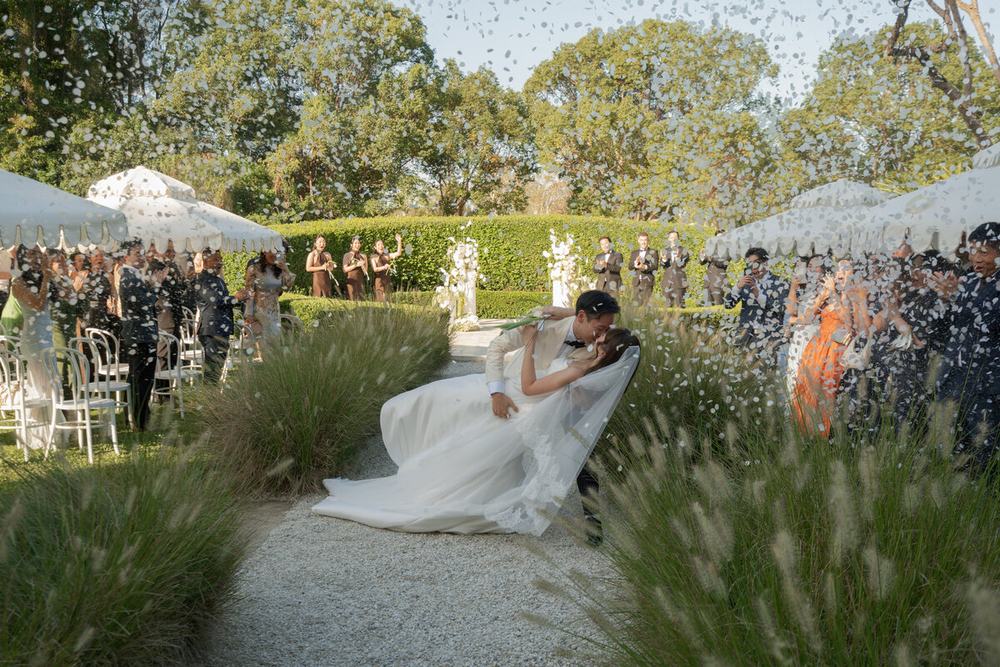
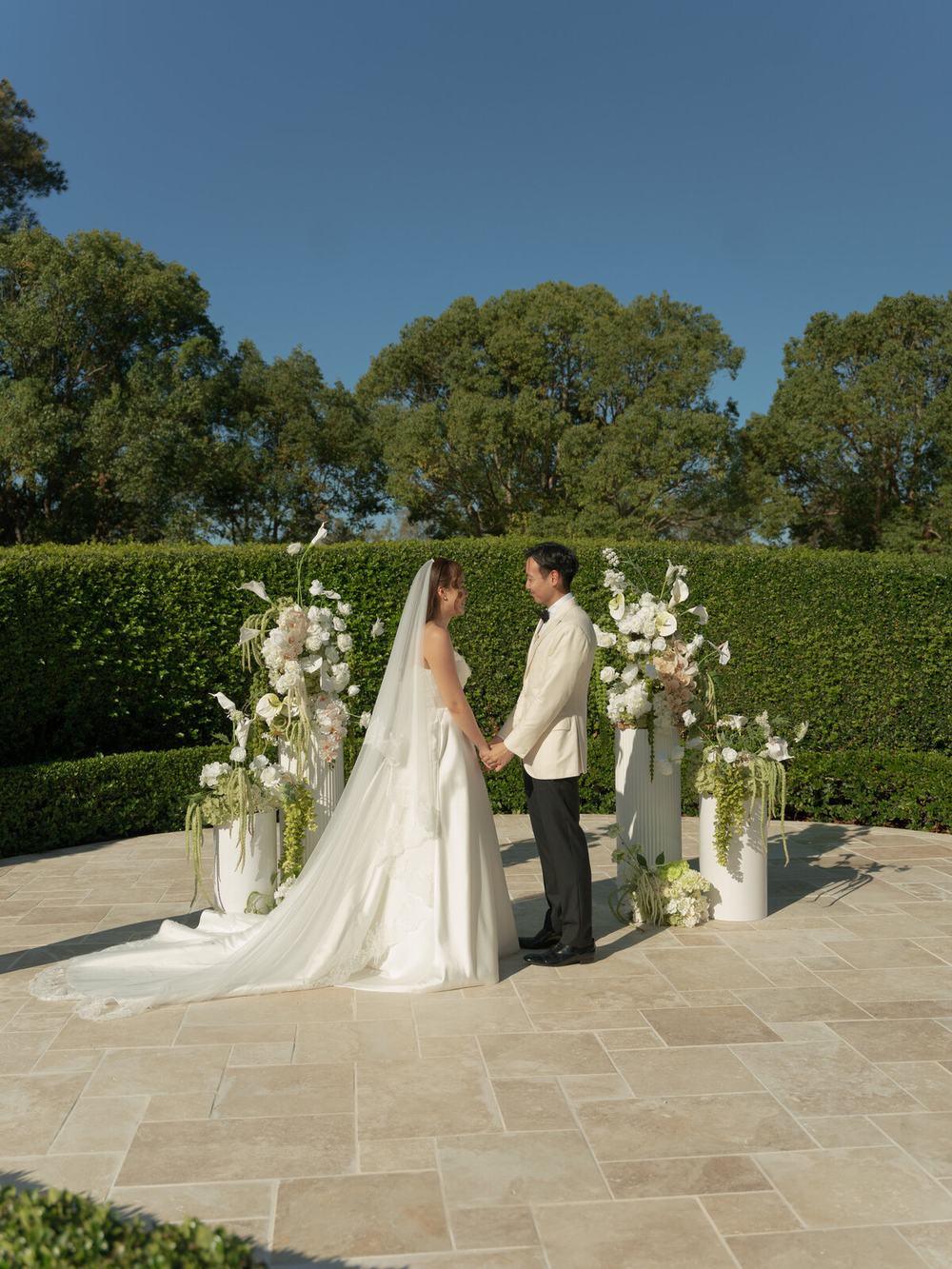
Garden ceremony seen from above
IV

Ceremony & Speeches Edit Skill

A Claude skill that rough cuts your ceremony and speeches for you.

A skill folder for Claude that syncs every camera to the audio, builds a synced stack, cuts to whoever is speaking and exports FCP7 XML. In your download with install steps.

$99
See it Buy
Save when you buy together

the bundles.

Two ways to buy more than one piece. Each bundle arrives as one download, and the complete bundle is everything on this page.

Price guide cover
A typeset client email from the templates
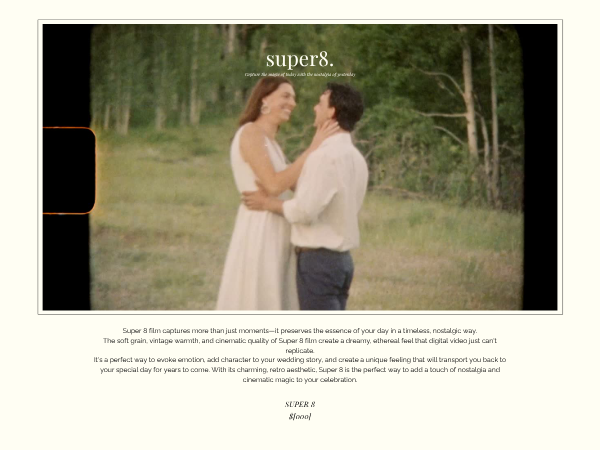
Price guide add-on page for Super 8 film

The Booking Bundle

From first enquiry to signed contract, every piece in the order a couple sees it.

Price Guide Template· Client Email Templates· Client Contract

worth $207 $149
Buy the bundle
Everything, best value

The Complete Studio Bundle

All four products: every template and document on this page, plus the edit skill.

Price Guide Template· Client Email Templates· Client Contract· Ceremony & Speeches Edit Skill

worth $306 $229
Buy everything
Three steps

how it works.

01

Buy

Checkout opens in Stripe and takes about a minute. Card or Apple Pay, receipt in your inbox.

02

Download it

The thank-you page starts your download straight away: one zip holding an offline library page that opens in any browser, the Canva template links inside it and, for the edit skill, the skill folder. If you ever lose it, reply to your receipt email and we will send it again.

03

Make it yours in Canva

Open the library page, swap the photos, names and prices, then copy the documents into your booking system. Most people finish the price guide in an evening.

Wedding ceremony in a garden, seen from the back of the seats

We did not design these to sell templates. We designed them to book weddings, then tidied them up for you.

Before you buy

questions.

Do I need to download anything?

Yes, one zip. The thank-you page starts the download as soon as you have paid. If you ever lose it, reply to your receipt email and we will send it again. Unzip it, open the HTML file inside in your browser and everything you bought is there: the Canva template links, the documents to copy and, for the edit skill, the skill folder. Keep the zip somewhere safe, like your studio's cloud drive, so you always have it.

Do I need a paid Canva account?

No. The price guide opens and edits on a free Canva account. You click the template link in your download, Canva makes a copy in your account, and you work on that copy.

Can I use my own photos?

Yes, and you must. The sample photos in the templates are there to show you the layout. Swap in your own before you send or publish anything. The sample photos are not licensed to you and must never be published.

Is the contract legal where I live?

The Client Contract was written for Australia and has been signed on real bookings here. Laws differ by state and country, so have a lawyer check it before you send it to a couple. It copies into any booking system with one click.

Do I need Studio Ninja?

No. The emails copy into any inbox or CRM with one click. The workflow setup guide is written for Studio Ninja because that is what we use, but the order and timing of the emails apply anywhere.

What is the edit skill and what do I need for it?

It is a small folder of instructions you add to Claude, on claude.ai or in Claude Code, that teaches it to sync your cameras to the audio recorder and rough cut a ceremony or speeches the way we do. It is inside your download with install steps. You need a Claude subscription, not included, and Premiere Pro or DaVinci Resolve. It works with both: inside Premiere through the Higgsfield connector, or on your media files with an XML that opens in either.

Can I share it with a friend?

No. Each product is licensed to one business, and that includes the download and the Canva links inside it. If a friend wants it, send them here and they can buy their own copy.

What about refunds?

These are digital products delivered instantly, so there are no refunds once the download has started. If something is wrong, missing or will not open, email hello@weddingstudiokit.com and we will sort it out.

Start with the price guide. It is the piece that books the wedding.

Buy the Price Guide, $79 or get everything for $229
Checkout

One step away

Checkout for the product opens in Stripe and takes about a minute. This link is being connected today. Email hello@weddingstudiokit.com with the product name and we will send your order link within the hour.

hello@weddingstudiokit.com